Read the original historical role guide
Employee Guide
Mobile App & Time Clock
Everything you need to know about using the StaffrWorks mobile app.
1. Clocking In & Out
The Home tab is your time clock. You must be physically at your workplace location (GPS enabled) to punch in.
- Start Shift: Tap the large green/blue button.
- Breaks: Use "Start Meal" for unpaid lunches.
2. checking Your Schedule
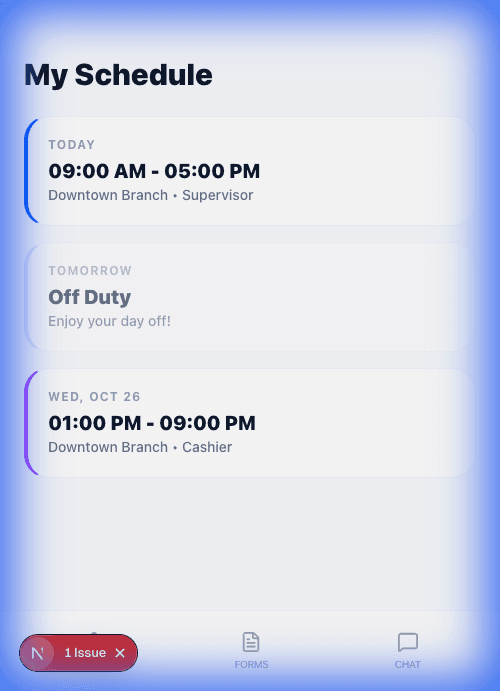
Tap the Schedule tab to see your upcoming shifts.
- My Shifts: Lists confirmed work times.
- Open Shifts: Shifts available to claim. Tap one to request it.
If you cannot make a shift, tap it to see options for Swap or Drop (requires manager approval).